How to Fix PojavLauncher Exit Code 1: Crash Log Guide 2026
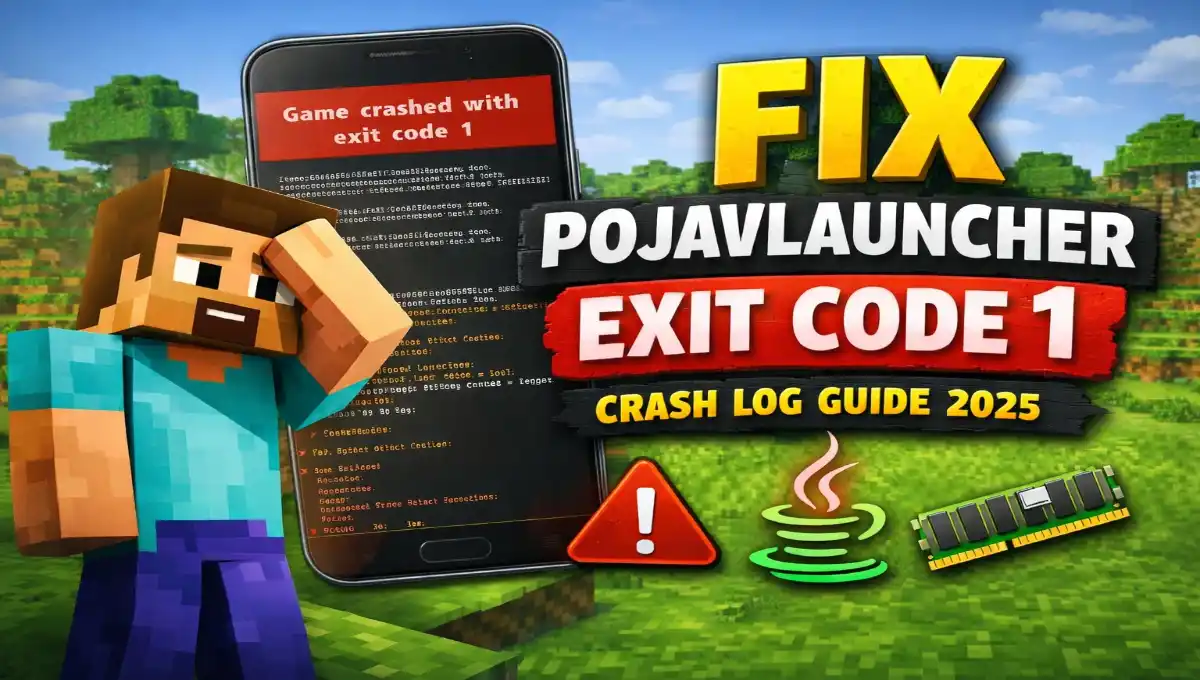
If you use PojavLauncher to play Minecraft on your Android phone and encounter the “Exit Code 1” error, it can be confusing and frustrating. This error means the game crashed before it even started. While many players are experiencing this issue (PojavLauncher Exit Code 1) in 2026, the good news is that it can be easily fixed.
In this guide, you’ll learn what the “PojavLauncher game exited with code 1” error means, why it happens, how to check the crash logs, and the best ways to fix it.
What Is Exit Code 1 in PojavLauncher?
Exit code 1 is a common Minecraft crash error. It indicates that something went wrong during the game’s startup process, specifically with the Java Virtual Machine (JVM). PojavLauncher displays this code when Minecraft crashes unexpectedly.
This error doesn’t mean your phone is broken. It simply means that Minecraft failed to load correctly.
Unlike on PC, where you can view a detailed launcher log, the error on PojavLauncher often appears as a pop-up message stating “Exit code: 1” or “Process crashed with exit code 1.”
Why Does PojavLauncher Exit Code 1 Happen?
Here are the main reasons for looking PojavLauncher Exit Code 1.
- Wrong Java version selected
- Mods that don’t match your game version
- Not enough RAM for Minecraft
- Renderer or graphics problem
- Corrupted game files or installations
- Shaders or heavy texture packs
- Old PojavLauncher version
How to Check the Crash Log in PojavLauncher
PojavLauncher Crash logs help you understand the real problem.
Steps to Find Crash Logs:
- Open PojavLauncher.
- Tap Settings → Open Game Directory.
- Go to
.minecraft→crash-reports. - Open the latest
.txtfile.
You can also check latestlog.txt in the logs folder.
To find, you can search words like:
ErrorExceptionOutOfMemoryUnsupported class version
These lines tell you what caused the crash.
Read the Crash Log
You don’t need to be a tech expert for this. Open the log file and simply scroll to the bottom. Look for one of these common phrases:
- OutOfMemoryError: Your phone needs more RAM for Minecraft.
- Could not find or load main class: Your Minecraft game files are corrupted.
- Mod resolution error or ModConflict: One of your mods is causing the crash.
- GL or OpenGL: There’s a problem with your phone’s graphics.
Note: Once you have identified the keywords, you can use the targeted fixes described below.
How to Fix PojavLauncher Exit Code 1
You can try these easy fixes one by one for pojavlauncher game exited with code 1.
1. Choose the Right Java Version
Different Minecraft versions need different Java.
- Minecraft 1.16 or below → Java 8
- Minecraft 1.17 to 1.20.4 → Java 17
- Minecraft 1.20.5 and above → Java 21
How to change: Open PojavLauncher → Settings → Java Runtime → select the correct version.
Restart your launcher and try again, And check it is fix – pojavlauncher application game exited with code 1.
2. Remove Problematic Mods
If you use mods, they are a major cause of Exit Code 1 errors.
- Remove all mods File first. otherwise Download the Latest Mod Apk.
- Launch the game again.
- If it works, add mods back one by one.
Make sure:
- Mods match your Minecraft version.
- You use the correct Forge or Fabric loader.
3. Change Renderer Settings
On some phones, Minecraft may crash due to graphics settings. You can follow the steps below to resolve this issue.
Follow the Steps:
- Go to Settings → Renderer.
- Try options like:
- GL4ES
- OpenGL
- Vulkan (if supported)
Tip:
- Older phones work better with GL4ES.
- Newer phones can try OpenGL or Vulkan.
Once you complete these steps, you can Restart after changing.
4. Increase RAM Allocation
If your device has Low RAM, it can cause Exit Code 1.
Follow the steps:
- Go to Settings → RAM Allocation.
- Set:
- 2 GB for low-end phones
- 3 to 4 GB for mid-range phones
- 4 to 6 GB for high-end phones
Do not set more than half of your phone’s total RAM.
5. Re-download Minecraft Version
Broken files can stop the game from starting.
Fix:
- Delete the Minecraft version you installed.
- Download it again from PojavLauncher.
If you needed, reinstall PojavLauncher itself.
6. Update PojavLauncher
Most important that, You must use the latest version of PojavLaucher in 2026.
- New updates fix bugs and improve performance.
- Download App or Apk only from the official source or website.
7. Turn Off Shaders and Heavy Textures
Check Shaders and HD texture packs need more power.
- Remove shaders from the
shaderpacksfolder. - Try playing with default textures.
This helps especially on low-end devices, if you use right now.
8. Check App Permissions
You need to make sure that PojavLauncher has all the necessary permissions:
- Storage or file access
- No battery restrictions
Also, disable battery optimization for the app.
Common Crash Log Errors and Solution
| Error in Log | What It Means | What to Do |
|---|---|---|
| Unsupported class version | Wrong Java version | Change Java |
| OutOfMemoryError | Low RAM | Increase RAM |
| Mod error | Mod issue | Remove or update mod |
| GL or renderer error | Graphics problem | Change renderer |
| Library not found | Corrupt files | Reinstall version |
Frequently Asked Questions
Is Exit Code 1 harmful?
No. Exit code 1 is not harmful, it only means Minecraft failed to start.
Can it happen in vanilla Minecraft?
Yes, even without mods, this can happen due to Java or file issues.
Will reinstalling fix Exit Code 1?
This helps if the files become corrupted, but it doesn’t always work.
Read More – Can You Play Multiplayer in TLauncher
Conclusion
PojavLauncher Exit Code 1 is a common Minecraft crash error, but it’s not difficult to fix. Most of the time, this problem is caused by an incorrect Java version, incompatible mods, insufficient RAM, or renderer settings.
By reading the crash log and following the simple steps in this guide, you can easily resolve this issue and enjoy Minecraft smoothly on your Android device.
If nothing works, share your crash log on the PojavLauncher community forum for assistance. Also, try loading the latest update.