How to Play Multiplayer in Lokicraft 5 (Easy Guide for Beginners)
LokiCraft 5 is a popular, free sandbox crafting game where you can build, mine, and survive within a block-based 3D world. The game allows you to build together with friends using MuMu Player’s multiplayer mode, making the experience even more enjoyable as you collaborate or compete with others. Whether you want to join forces to construct massive fortresses or simply explore the world side-by-side, this guide will walk you through everything you need to know to play in multiplayer mode.
What Is LokiCraft 5?
LokiCraft 5 is an Android game created by Denepa, available for free. It offers you the opportunity to become a miner and adventurer, allowing you to construct buildings out of textured cubes while exploring an endless 3D world. Softonic notes that the game presents two paths Builder (Creative Mode) or Ruthless Hunter (Survival Mode) and features over a hundred blocks as well as a wide variety of items.
Lokicraft 5 Multiplayer Download (Android)
You can download Lokicraft 5 (which supports WiFi multiplayer) from trusted APK sites:
Download Lokicraft 5 APK (Latest Version)
Download Lokicraft 5 Crafting (Alternative Version)
Game Details (Important)
- Game Name: Lokicraft 5
- Size: Around 500MB+
- Android Version: 7.0+ required
- Features:
- Building & crafting sandbox gameplay
- Creative & survival mode
- Multiplayer WiFi support
Multiplayer in Lokicraft 5
Multiplayer mode allows you to play the game in the same world alongside your friends. Together, you can build things, explore maps, and enjoy the game as a team. Instead of playing alone, multiplayer makes the experience much more interesting and interactive.
Requirements Before Starting Multiplayer
Before diving into a multiplayer mode, you must make sure that you have the following items ready:
- A stable internet connection – Wi-Fi is highly recommended to ensure smooth gameplay.
- LokiCraft 5 installed on your Android device (available for free on the Google Play Store).
- A server IP address – you will need this to connect to a multiplayer world.
- You can either host your own server or join a friend’s server.
- A friend or a community server to join.
If you are playing with someone nearby, using the same WiFi network is the easiest option.
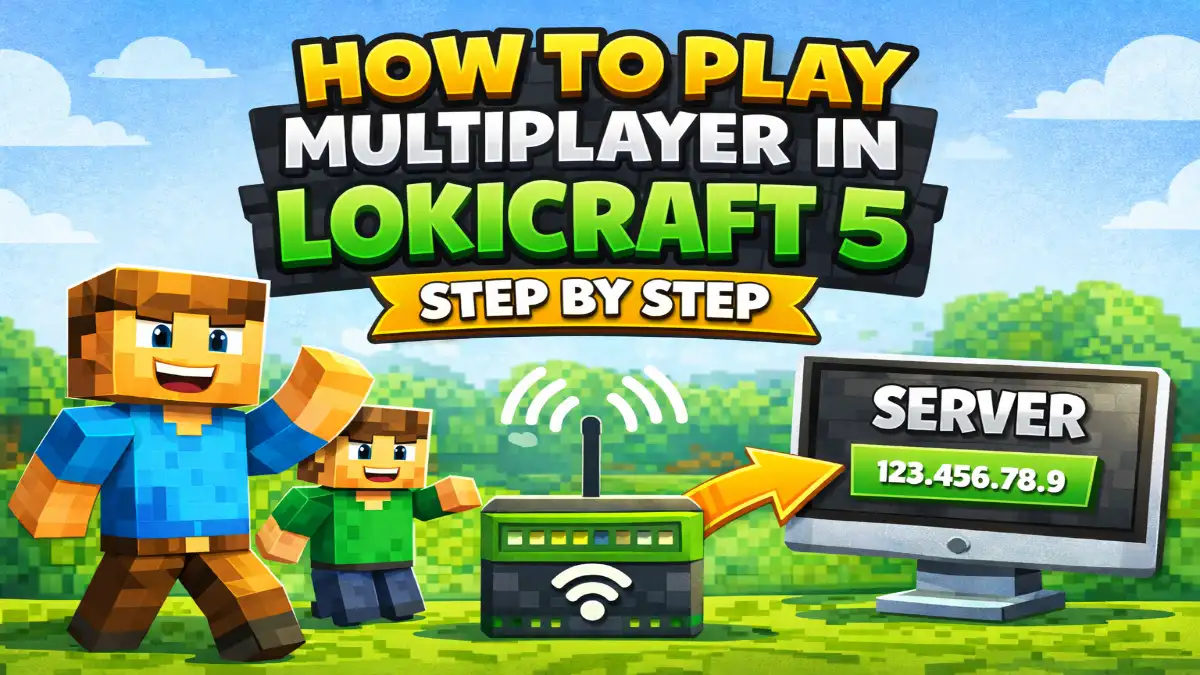
How to Play Multiplayer in Lokicraft 5 Step by Step
Here is the step by step guide on Playing multiplayer in LokiCraft 5.
Method 1: Play Multiplayer Using WiFi (LAN)
This is the simplest way to play with friends who are near you. follow the simple Here.
- Open Lokicraft 5 on your device.
- Tap on the “Play” option.
- Create a new world or open an existing world.
- Enable the multiplayer or LAN option (if available).
- Now ask your friend to open the game and join.
- Your friend should go to the “Join World” or multiplayer section.
- Select your world from the list.
Once connected, both of you will be in the same world and can start playing together.
Method 2: Play Multiplayer Using Server
If your friend is not nearby, you can try joining a server.
- Open the game and go to the “Play” section.
- Look for the “Add Server” or “Server” option.
- Enter the server details such as:
- Server name
- Server IP address
- Save the server.
- Click on “Join” to enter the server.
This method allows you to play with people from different locations.
How to Play Multiplayer in PojavLauncher
Common Problems and Solutions
Sometimes, you may encounter some issues while connecting. Here are some common problems and ways to resolve them:
1. Unable to join the world
Ensure that both players are connected to the same Wi-Fi network. Additionally, check whether multiplayer is enabled.
2. World not showing
Restart the game on both devices. Ensure that both players are using the same version of Lokicraft 5.
3. Connection error
Check your internet connection and make sure you have fast and stable network. because a slow or unstable network can cause problems.
Tips for Better Multiplayer Experience
- Use a strong and stable WiFi connection
- Close background apps to avoid lag
- Keep your game updated
- Use low graphics settings if the game is slow
- Play in a distraction-free environment
Playing LokiCraft 5 on PC (Optional)
If you prefer playing on a larger screen, you can download and play LokiCraft 5 on your PC or Mac using Android emulators such as MuMuPlayer or BlueStacks. These emulators provide a PC-like gaming experience, featuring high FPS, smart keyboard and mouse controls, and the ability to run multiple game instances simultaneously.
Conclusion
Playing multiplayer in Lokicraft 5 is easy, provided you follow the correct steps. You can use Wi-Fi to play with nearby friends, or join a server to play online. The multiplayer mode makes the game even more enjoyable, as you can build things together, explore the world, and have fun.
If you are new to Lokicraft 5, start with the Wi-Fi method, as it is simple and fast. Once you have grasped the basics, you can try playing on a server for a more expansive experience.
By following this guide, you can easily enjoy Lokicraft 5 with your friends without any confusion.